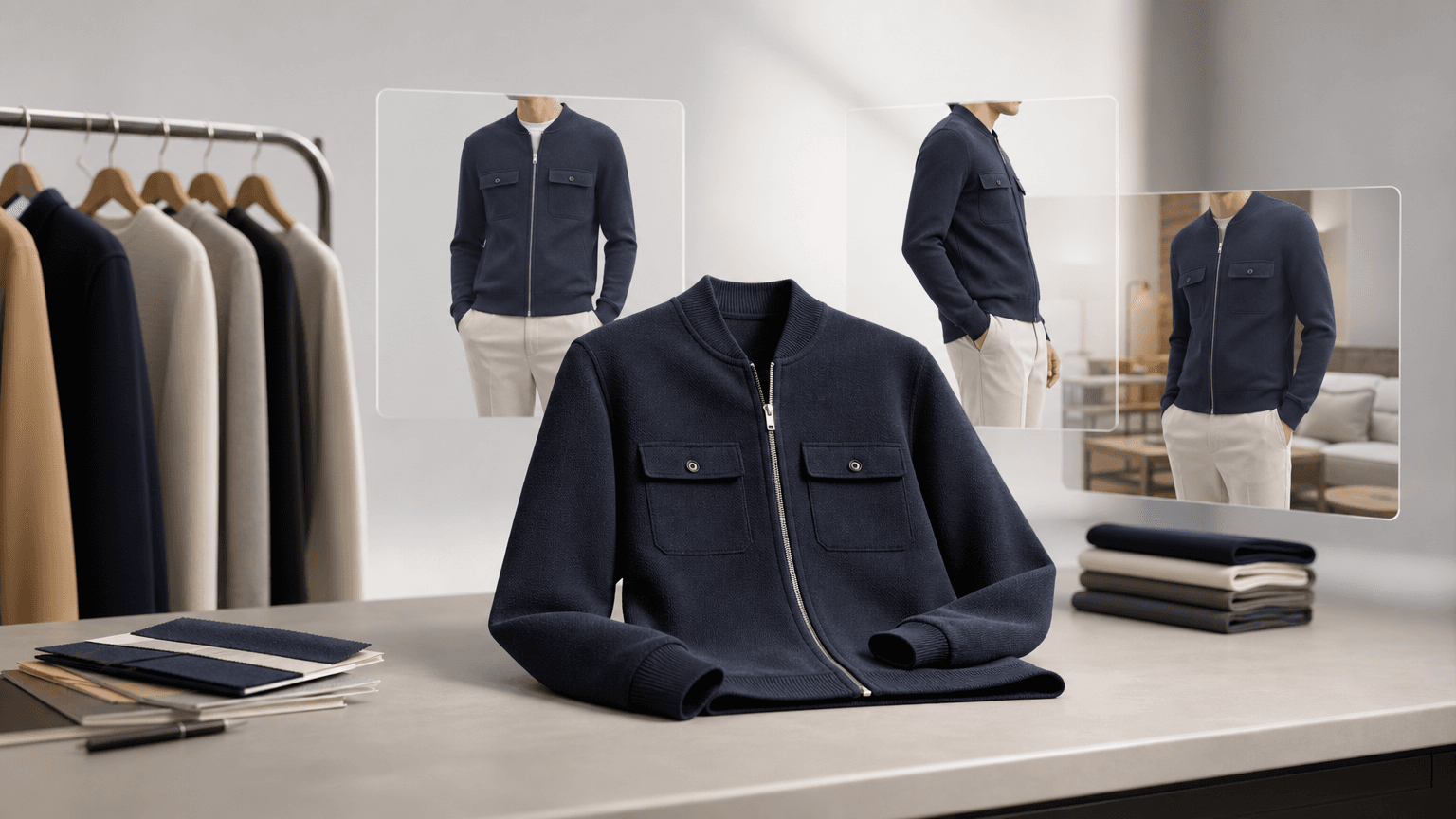
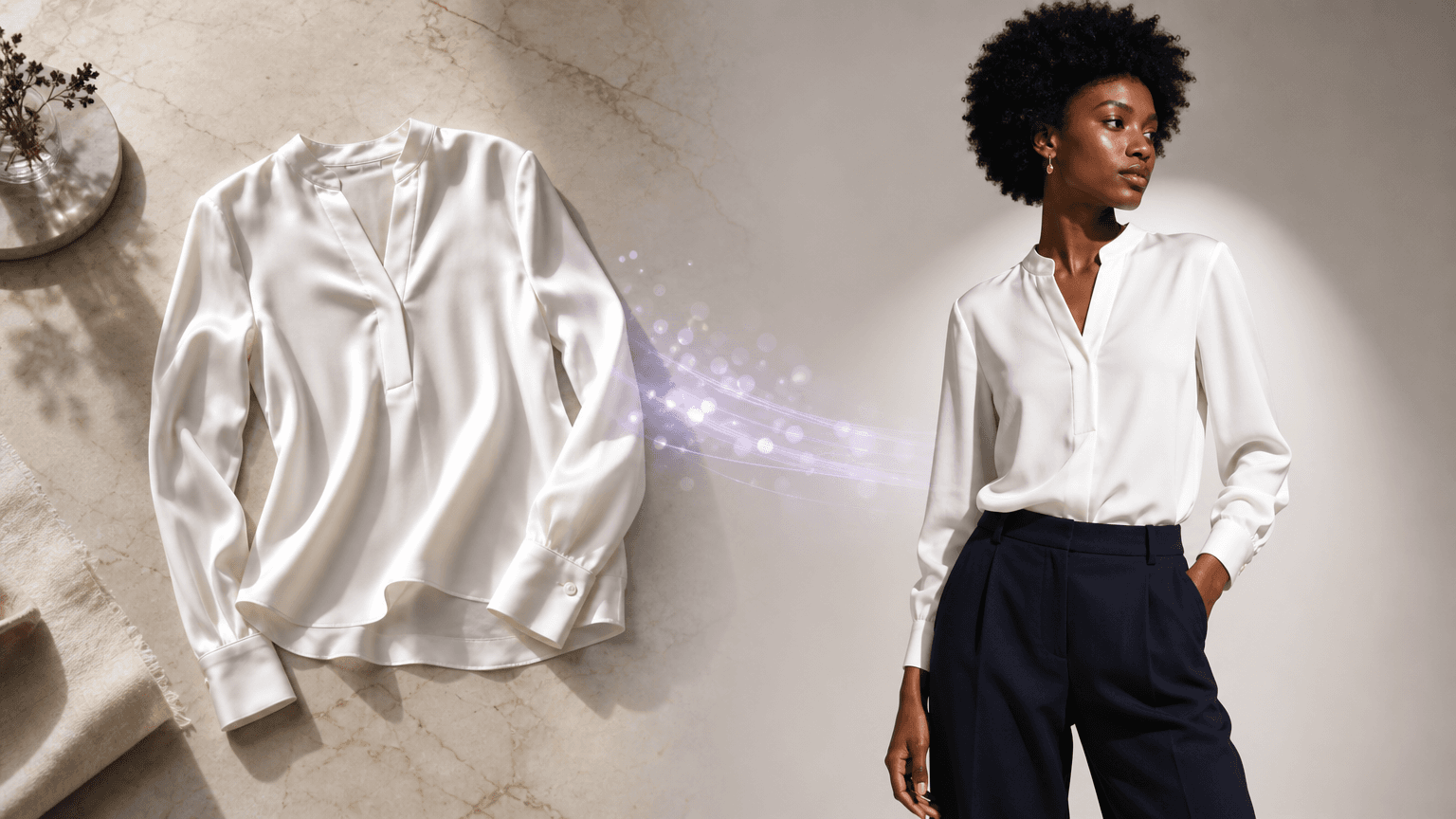
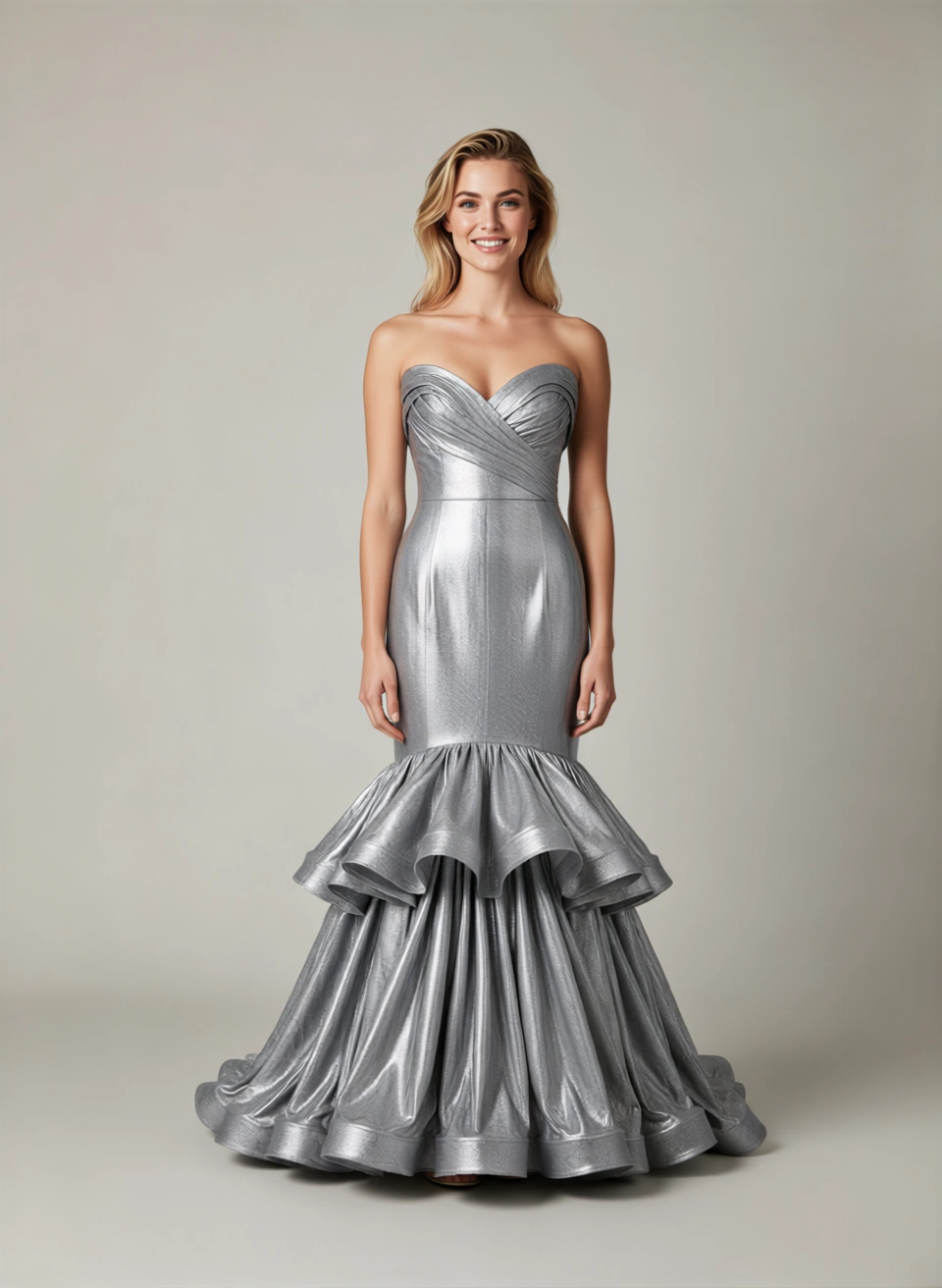
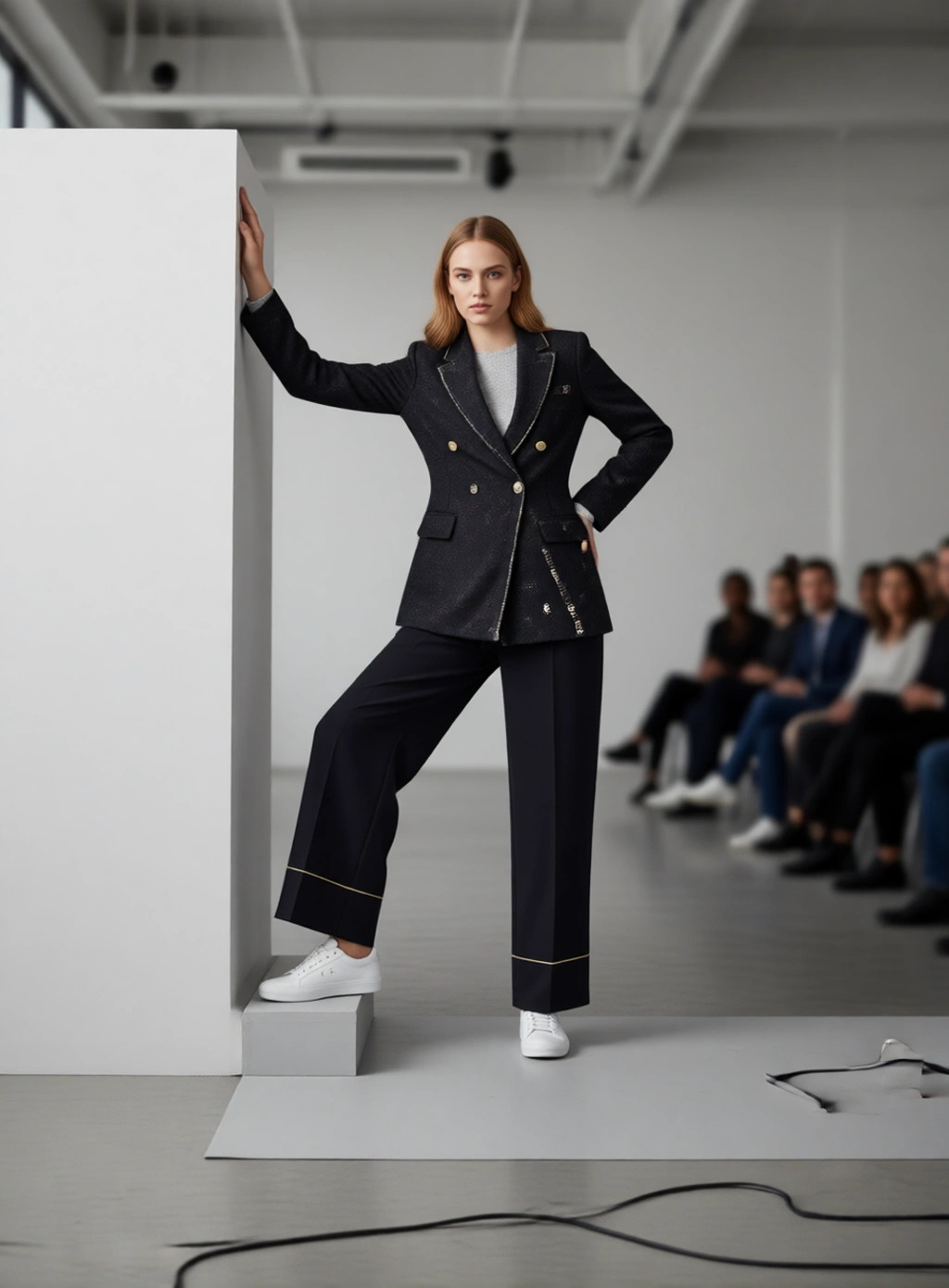
8 steps to create on-model campaign images from your product catalogue
Turn flat-lays and mannequin shots into photorealistic on-model campaign assets without a reshoot. Includes a QA checklist, channel specs, and cost model.

Janjan Team
Author
Notes on producing fashion imagery at catalogue scale — briefing, workflow and review.
Turn flat-lays and mannequin shots into photorealistic on-model campaign assets without a reshoot. Includes a QA checklist, channel specs, and cost model.
Janjan Team
Author
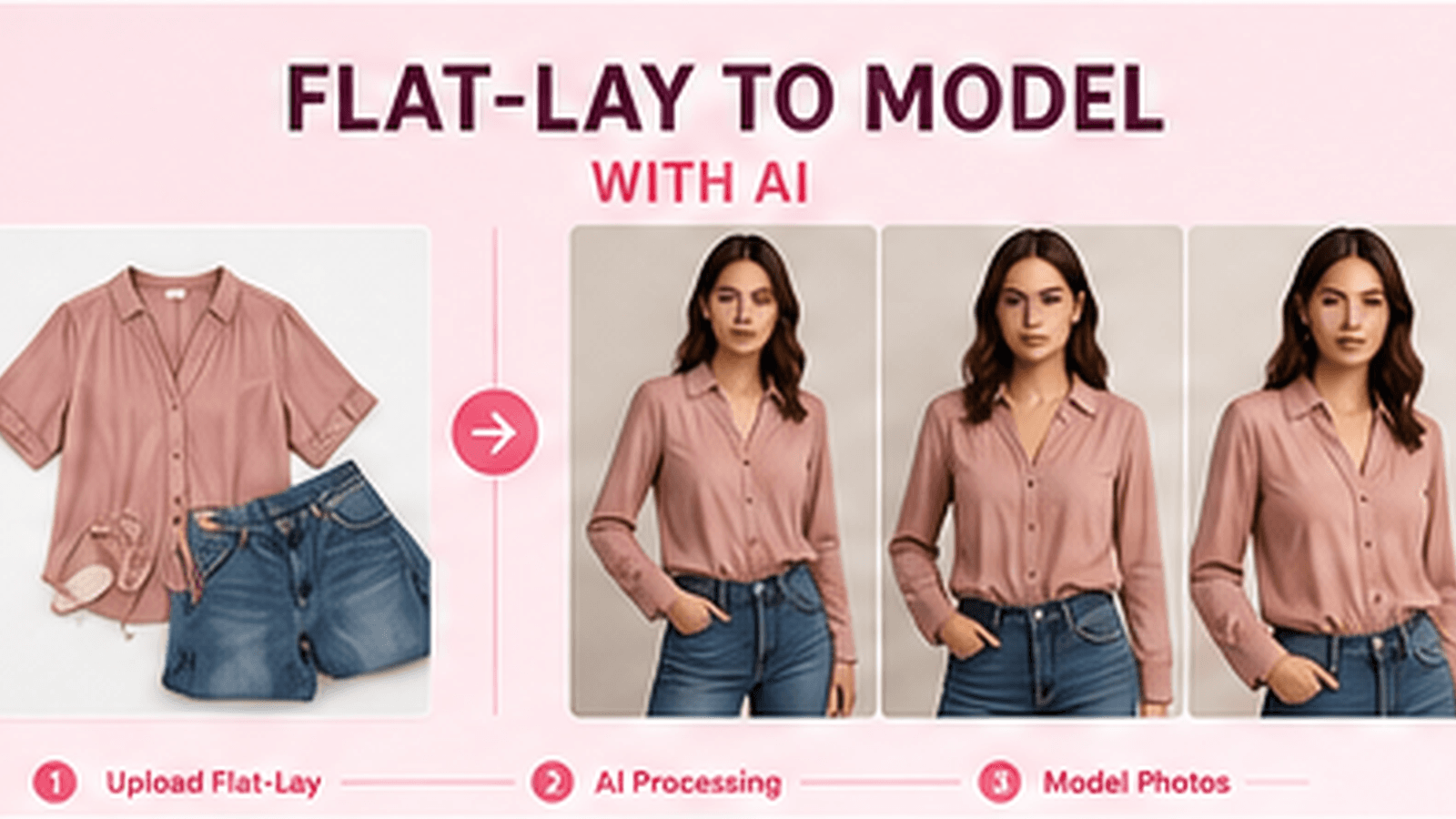
Learn how to turn flat-lay product shots into photorealistic on-model images using AI, a step-by-step workflow, prep checklist, cost savings, and compliance guide for ecommerce teams.
Learn how to transform flat-lay clothing images into realistic on-model e-commerce photos using Janjan.ai, without organising a traditional photoshoot.
Discover how AI fashion photography helps ecommerce brands create professional product, model and editorial images faster and at a lower cost.
Studio-grade product imagery is a briefing problem before it is a rendering problem. Here is the checklist our team uses to go from a rough garment shot to a frame that survives art direction review.
Getting a good image is the easy part. Getting a thousand of them onto product pages, in the right order, with the right alt text and the right variant mapping, is the part that breaks. Here is how to structure it.
A campaign is not a set of images, it is a set of rules that images obey. This is how to write those rules down so a lookbook, a paid social cut and a PDP frame still look like the same season.
Turn flat-lays into on-model photos, PDP assets, and Meta/TikTok creatives without a reshoot. Janjan AI's end-to-end workflow covers every step from input to export.